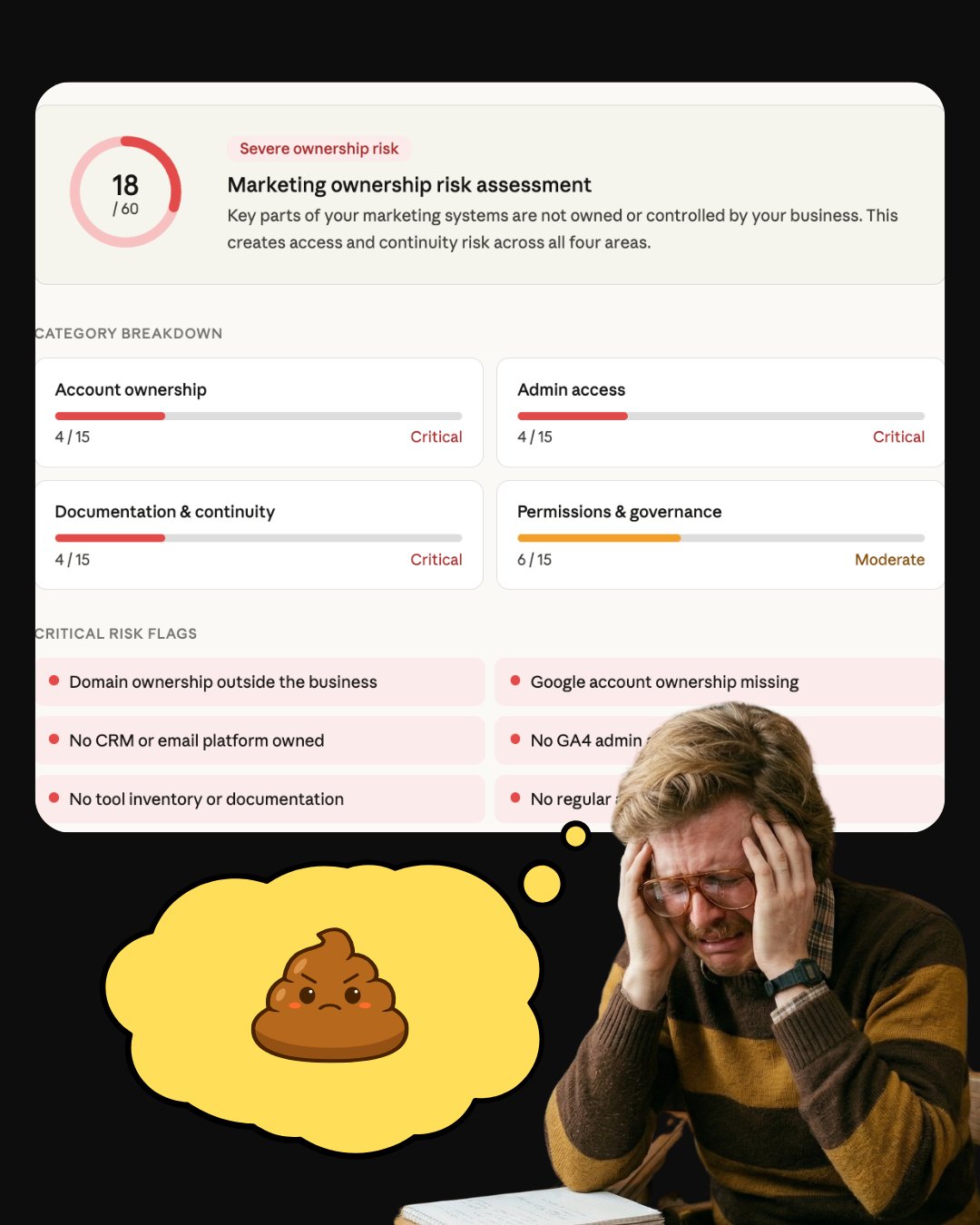
Every marketing tool you use is collecting data about your customers. When a vendor or contractor owns the account that data lives in, they own the data too. When they leave, it goes with them. Here is where to check and what to do about it.
Most founders know they should own their domain. Fewer realize that ownership is about a lot more than a website.
Every tool you use to run your marketing is collecting data. Your Google Analytics is building a picture of who visits your site and what they do there. Your ad accounts are learning which audiences convert. Your email platform is tracking who opens, who clicks, and who buys.
That data is the memory of your business.
When a vendor owns the account it lives in, they own the memory. When they leave, your business gets amnesia.
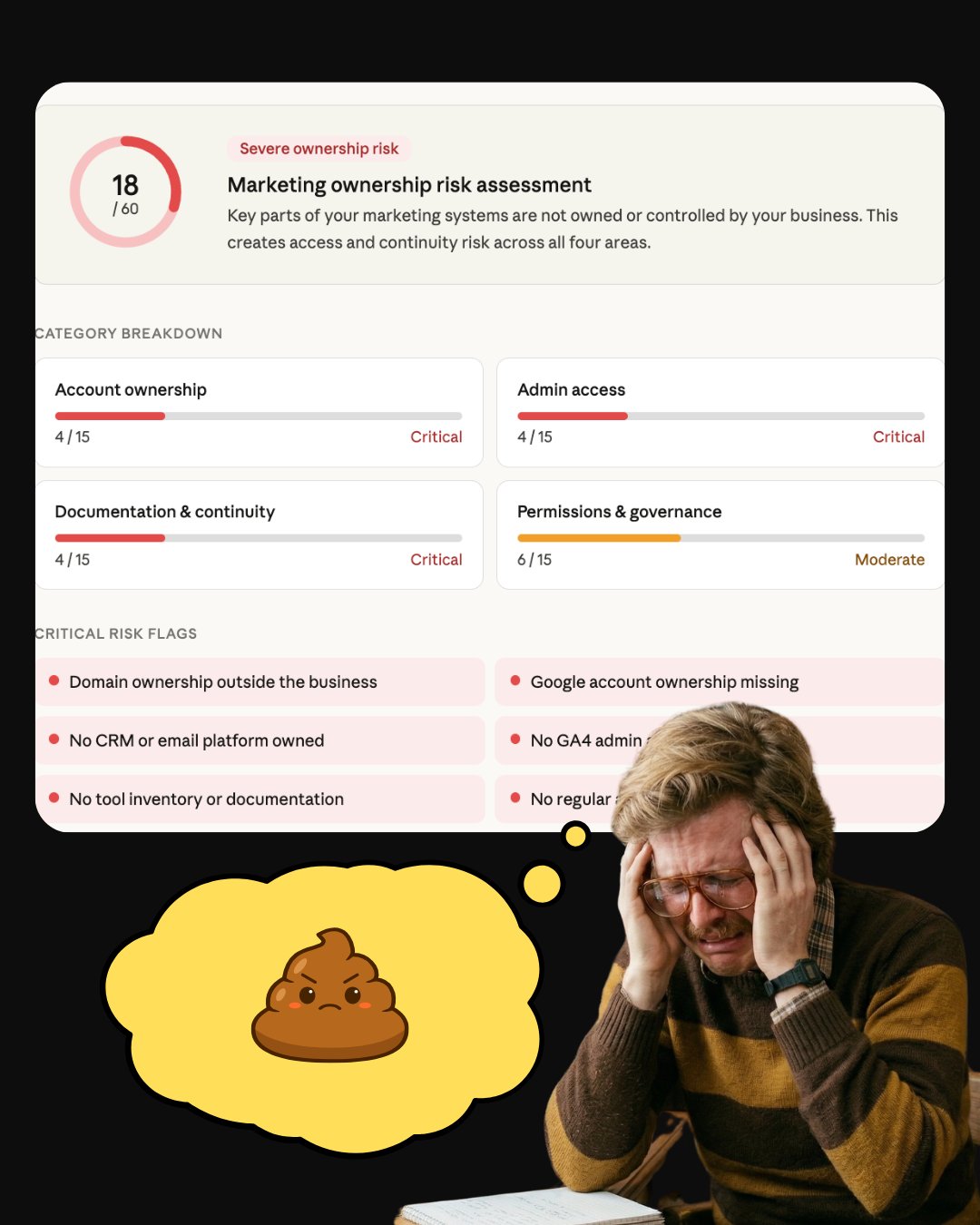
Why do businesses loose access
Here is the thing about this problem. It is invisible until it is not.
A contractor sets up your Google Analytics because it is faster that way. An agency links your Facebook Pixel to their Business Manager because that is how they run campaigns. Your first email hire sets up Klaviyo under their personal login because nobody told them not to.
Nobody is trying to steal from you. It just happens, quietly, in the background, while you are focused on running your business.
Then the relationship ends.
And you find out that the audience you spent two years building on Facebook Ads is gone. The four years of Google Analytics data that would have told you exactly where your customers come from are inaccessible. The email list you paid to grow is sitting in an account you cannot log in to.
That is not a tech problem. That is a business continuity problem.
How do I find out who owns my marketing accounts?
You do not need to audit everything at once. Start with these four areas.
Google Tools: Who is the admin on your GA4, Google Search Console, and Google Business Profile? Log in and check. If you do not have owner access, flag it today.
Ad Accounts: If you run ads on Facebook, Google, or LinkedIn, do you have admin access to the actual account? Not just the page. The ad account where the billing and audience data live.
Email and CRM: Is your email platform registered under a business email you control? Can you log in without asking anyone for credentials?
Creative Assets : Your Canva Brand Kit, your social media scheduler, your design files. Who owns those accounts?
Your Google Business Profile : Google yourself right now. If a Knowledge Panel shows up, is the information correct? If it is wrong, outdated, or showing a competitor, customers are seeing the wrong brand. If you have not claimed it, do that today. It is free and takes ten minutes.